Introduction to Gin
Get registered as a Gin user
You have to obtain an account in Gin in order to work with Gin repositories.

Click on the “Register” button on the top-right corner of the Gin web site, and fill in the necessary information.
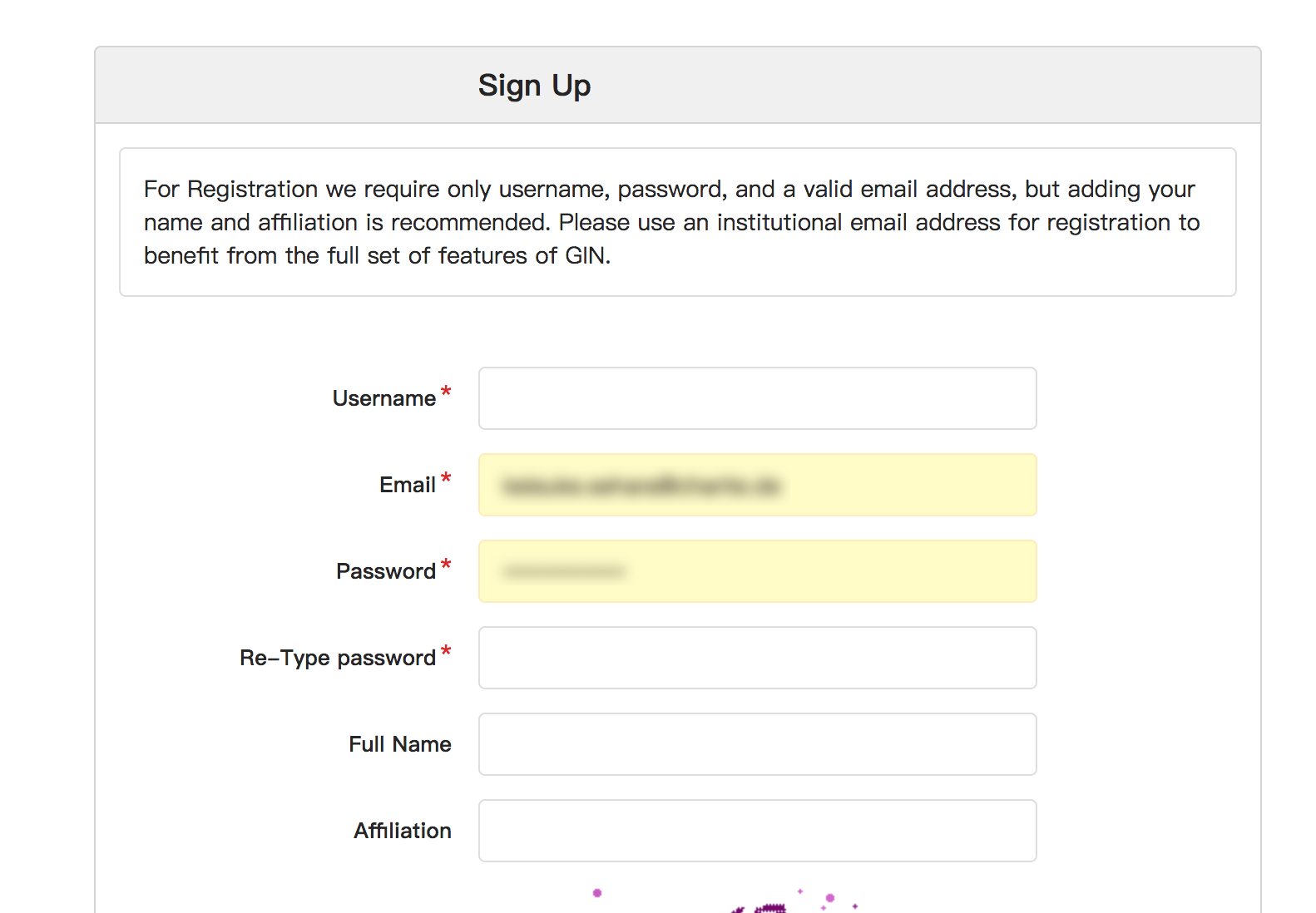
After verification of your e-mail address, you can start working with Gin.
Note
You will have much more previliges if you sign up with your
institutional e-mail address (e.g. <yourname>@hu-berlin.de).
User interface options
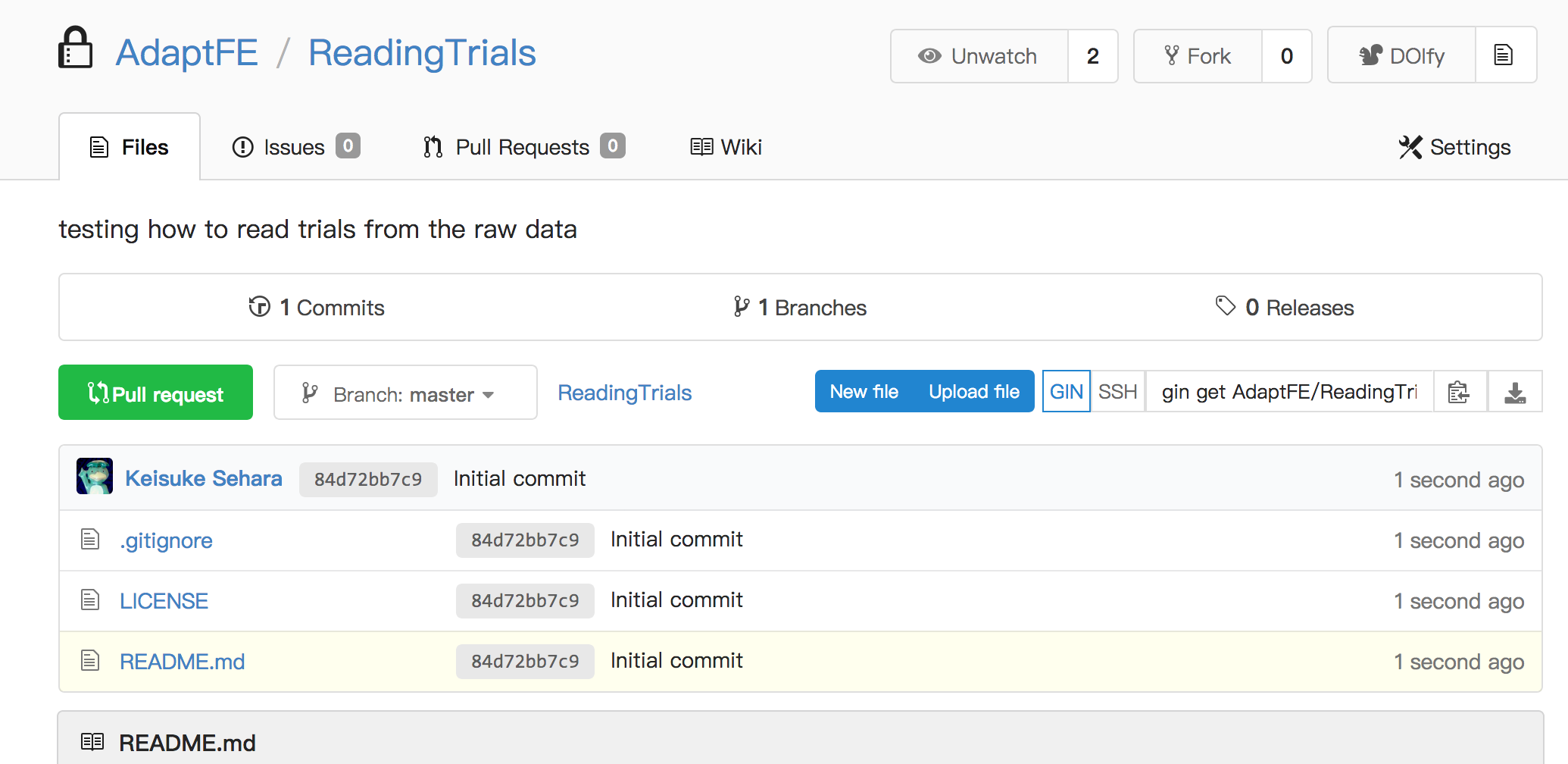
There are three options as to how to manage Gin repositories. In principle, almost all the repository actions can be performed through any interfaces.
Caution
For the time being, WinGIN and Gin CLI cannot work across a firewall (i.e. no connection through the Charité wired internet).
You have to work through the web interface to do so, though there is some limitations (<100 files/commit, 10 GB/file-upload).
WinGIN desktop client (Windows only)
Refer to the corresponding section.
Gin command-line interface (CLI)
Cross-platform, but you have to work with a command-line interface.